 ChartsGPT
Stock chart analysis
Put your stock chart into a readable plan.
ChartsGPT helps you review the technical side of a stock chart: trend, price action, key levels and possible scenarios. Bring a clear screenshot and compare the breakdown with your own research.
Download on the App StoreiPhone & iPad · Free download · Pro for full access
- Stock and index chart screenshot analysis
- Trend, swing levels and trade plan explanations
- A second read for day traders and swing traders
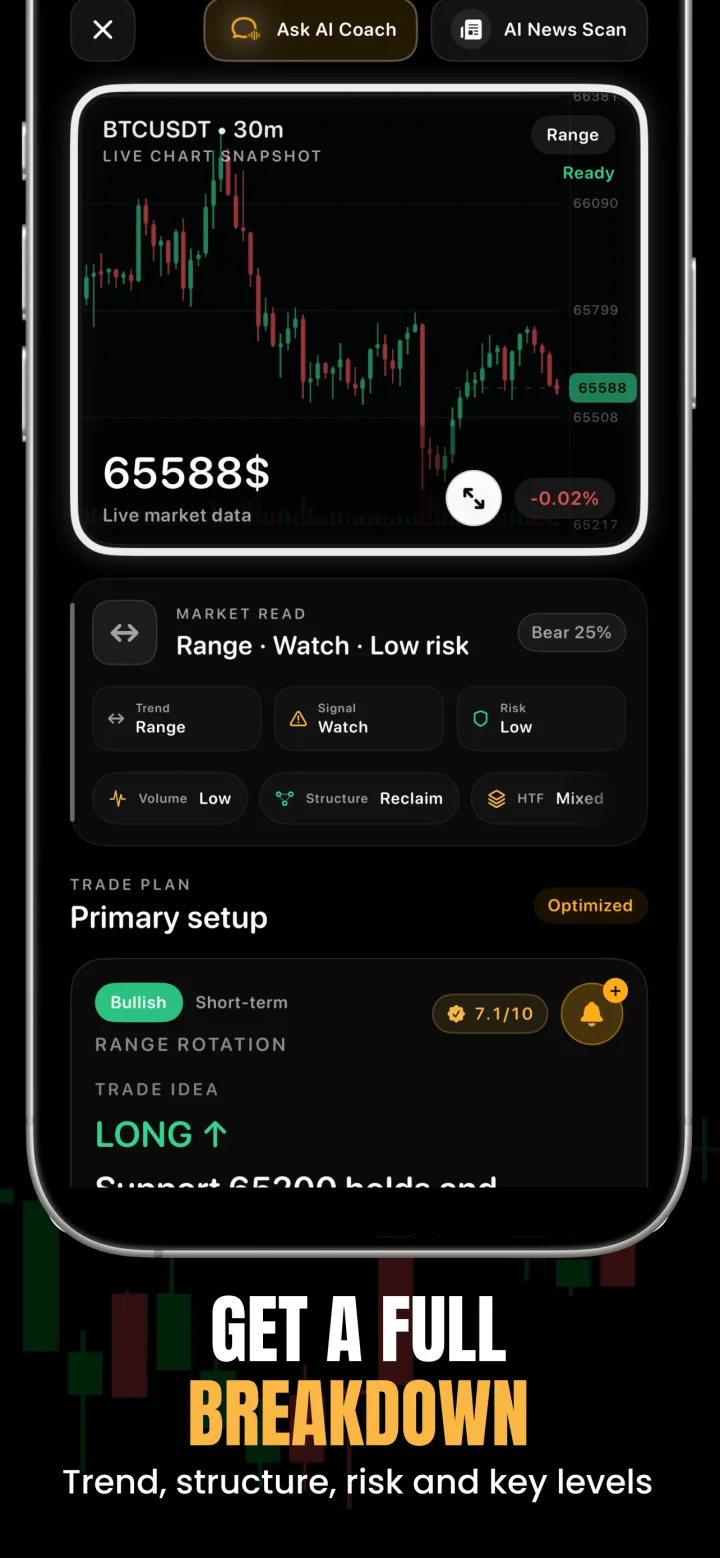
How to review a stock chart with AI
Take a screenshot with the ticker, timeframe, price scale and enough history to show the recent trend. If premarket or extended-hours candles are visible, keep that context identifiable. A five-minute regular-session chart and a daily chart answer different questions.
Upload the image to ChartsGPT and compare the output with your original chart. Inspect the market structure, then the nearby support and resistance zones. Review the possible trigger and invalidation before evaluating a target.
- Keep the ticker and chart interval readable.
- Include the recent swing high and swing low when possible.
- Check whether the chart includes extended-hours data.
- Review the source chart again if the suggested levels look inconsistent.
A stock chart does not replace company research
Earnings, company announcements and broader market events can change how price reacts to a level. Before using a chart scenario, check the company’s own investor-relations information and the timing of scheduled announcements.
The app’s market news and context can help organize your review, but a pattern does not establish the value of a business. Treat technical chart analysis as one input alongside your own research, time horizon and risk limits.
A hypothetical pullback review
Imagine a stock that has moved above a prior high and is now pulling back toward that area. An organized analysis asks whether the old resistance is acting as support, how the recent swings compare and where a continuation thesis would fail.
The alternative scenario matters just as much: if price moves back below the zone and holds there, the original breakout may no longer be the right frame. Write down what you need to see rather than treating the name of a pattern as confirmation. This example uses no live ticker or current investment recommendation.
Build gaps and execution into your own plan
A stock can reopen beyond a planned stop after an overnight event. That means a stop distance on a screenshot does not guarantee the amount you will lose. Session changes, spread, liquidity and slippage can all affect the realized result.
For an intraday review, pay attention to the active session and nearby levels. For a swing review, include the larger trend and check upcoming announcements before holding through them. Decide position size from your own risk allowance and contract or share specifications, not from how persuasive the explanation sounds.
A few useful answers
Before your next chart.
Can ChartsGPT analyze screenshots of individual stocks?
Yes. Use a stock chart screenshot with a clear ticker, timeframe and price scale. ChartsGPT can help organize the technical structure and scenarios; verify the instrument and levels against your source chart.
Can I use the app for stock day trading and swing trading?
Yes. The screenshot workflow can support both. Use your execution timeframe for the immediate setup and a higher timeframe for the broader trend, and check the relevant session and announcement schedule.
Does ChartsGPT provide stock valuations or guaranteed picks?
A technical chart breakdown is not a company valuation or a guaranteed stock pick. Use it alongside company research, current market information and your own risk decisions.
Can AI account for earnings gaps?
A chart alone cannot establish the effect of a future earnings release. Check company announcements and recognize that prices may gap beyond a planned stop.
Read a little deeper.
Less friction. More context.
Bring your next chart.
Explore ChartsGPT on iPhone and iPad. Review current plans and compatibility in the App Store.