 ChartsGPT
For traders who want the reasoning
One place to inspect the chart and question the setup.
Use ChartsGPT as a second technical read across crypto, forex and stocks. Start with a screenshot, review the breakdown, challenge the scenario with AI Coach and keep your own execution rules in charge.
Download on the App StoreiPhone & iPad · Free download · Pro for full access
- Price action, structure, support and resistance
- Entry, stop, target and invalidation context
- Market context, practice and review in the same app
What a technical analysis app should help you inspect
A useful chart review connects its conclusion to visible evidence. You should be able to find the swing points, see why a support or resistance zone matters and understand which price behavior would support or weaken the scenario.
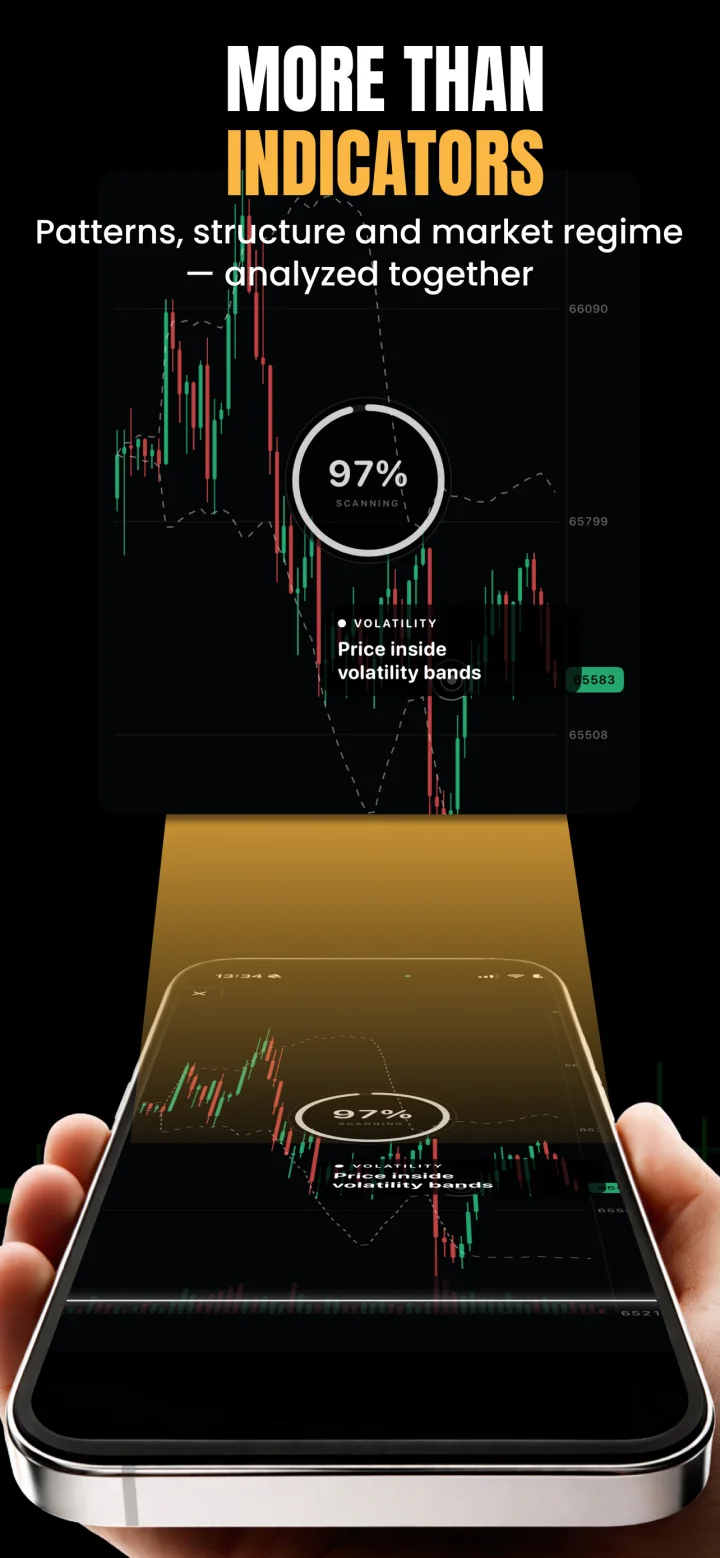
ChartsGPT organizes the analysis into market context and possible setups, with entries, stops, targets and invalidation to review. The point of that structure is to make the reasoning inspectable. A setup-quality label should not replace checking the underlying levels or the source data.
- Direction and structure: trend, range and recent swings.
- Key zones: nearby support, resistance and reaction areas.
- Scenarios: what continuation and failure could look like.
- Plan boundaries: possible trigger, stop, target and invalidation.
Use the timeframe that answers your question
For intraday preparation, use the timeframe you execute on and compare it with a higher-timeframe chart. A lower-timeframe bounce inside a larger downtrend is different from a pullback in an established uptrend. Keep both contexts explicit rather than letting the most recent candle dictate the thesis.
For swing review, include enough history to show the larger range and nearby opposing zones. The same app workflow can support both styles, but the screenshot, event checks and holding-period risks should match the decision you are actually making.
Where ChartsGPT fits in your trading tools
Your charting platform supplies the chart you inspect; your broker or exchange supplies execution conditions. ChartsGPT adds a structured interpretation and a place to ask follow-up questions. It should fit around those tools without obscuring their different jobs.
The app also includes a watchlist, market context, Academy lessons, simulated trading and a journal. Use the parts that support your routine. For example, compare your thesis with the breakdown, practice a scenario in the simulator and review whether your notes matched what you actually did.
| Tool | What to check |
|---|---|
| Charting platform | Inspect the source candles, scale, timeframe and instrument. |
| ChartsGPT | Review technical structure, scenario explanations and follow-up questions. |
| Broker or exchange | Confirm price, spread, order specifications and execution. |
| Your trading rules | Decide whether the setup fits your risk allowance and process. |
A repeatable second-opinion routine
Write your own thesis before opening the AI read. Note what you think the market is doing and which level would change your mind. Then compare the breakdown with that thesis, looking for a missing scenario or an assumption you did not check.
When the reads disagree, return to the source chart and the available market data. If you cannot resolve the disagreement, do not force a trade out of it. The useful result can be a better question, a clearer invalidation or a decision to wait.
- Compare the asset and timeframe first.
- Check the proposed levels against the actual price scale.
- Ask what evidence would contradict the primary scenario.
- Review execution costs and event risk outside the screenshot.
A few useful answers
Before your next chart.
Is ChartsGPT a charting platform or a trading bot?
ChartsGPT is a technical analysis and education app with chart review, market context and simulated trading features. Reading a setup does not send a live order to a broker or exchange.
Can experienced traders use it as a second opinion?
Yes. You can compare your marked levels and scenarios with the breakdown, ask AI Coach follow-up questions and review invalidation. You remain responsible for trade selection, execution checks and risk.
Can I analyze charts from another platform?
You can bring a clear chart screenshot from a charting platform. Include the instrument, timeframe, scale and enough history. ChartsGPT is independent of the platforms shown in your screenshots.
Does a setup-quality score guarantee a winning trade?
No. A score or label is one summary of the analysis and is not a guarantee, a personal risk assessment or a substitute for reviewing the underlying scenario.
Read a little deeper.
Less friction. More context.
Bring your next chart.
Explore ChartsGPT on iPhone and iPad. Review current plans and compatibility in the App Store.